
FBR Digital Invoicing
How to Track Invoice Status and Stay Audit-Ready
Build a reliable status workflow for validated, submitted, pending, accepted and rejected invoices while preserving a complete audit trail.
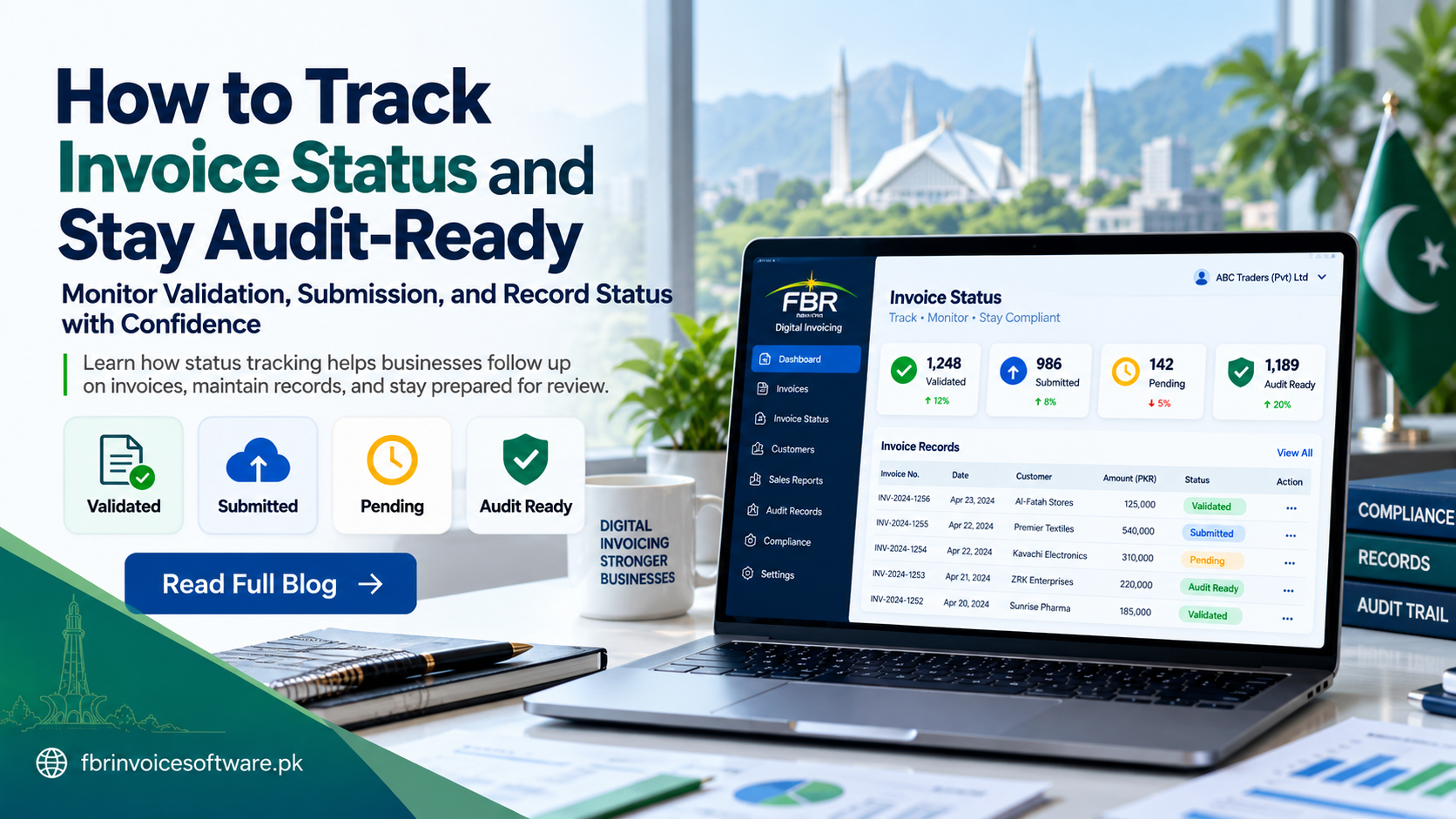
An invoice is not finished when the user clicks submit. A reliable process follows it from draft and validation through submission, response, correction and reconciliation. Clear statuses prevent missing records and create the evidence needed for operational review.
Use statuses with precise meanings
- Draft: preparation is incomplete.
- Validation failed: known data issues require correction.
- Ready: checks passed and authorization is complete.
- Submitted: a request was sent and evidence was recorded.
- Pending: a final business result is not yet confirmed.
- Accepted or rejected: the returned result has been interpreted and stored.
- Reconciled: the final result matches the internal business record.
Keep each status linked to evidence
Store the internal invoice reference, timestamps, user, request reference, returned identifier, response message and relevant correction history. Status without evidence is difficult to trust during reconciliation.
Monitor pending invoices actively
A pending queue should show age, last attempt and next permitted action. Separate temporary communication problems from invoices that contain invalid business data. Controlled follow-up avoids both forgotten invoices and blind duplicate submissions.
Manage rejected invoices as a workflow
Assign an owner, keep the original response visible, correct the source data and record why the change was made. Do not overwrite the history in a way that makes the first submission disappear.
Reconcile every business day
- Compare completed sales with created invoices.
- Identify drafts and unsubmitted records.
- Review pending records by age.
- Resolve or escalate rejected invoices.
- Match accepted results to internal accounts.
- Record completion and retain supporting evidence.
Build an audit-ready record
An audit-ready record is readable, chronological and protected from unauthorized changes. It should let a reviewer move from the source sale to the invoice, its submission history and final status without relying on personal messages or screenshots.
Reports management should review
Track pending age, rejection categories, retry volume, late-posting exceptions, unresolved differences and access changes. Trends are more useful than isolated errors because they show where training, data or system improvements are needed.
Retention and reporting requirements depend on current rules and business circumstances. Confirm applicable obligations through suitable official and professional guidance.