
FBR Digital Invoicing
How to Validate Your FBR Invoice Before Submission
Use this pre-submission checklist to review buyer details, invoice references, tax values, item lines and totals before posting.
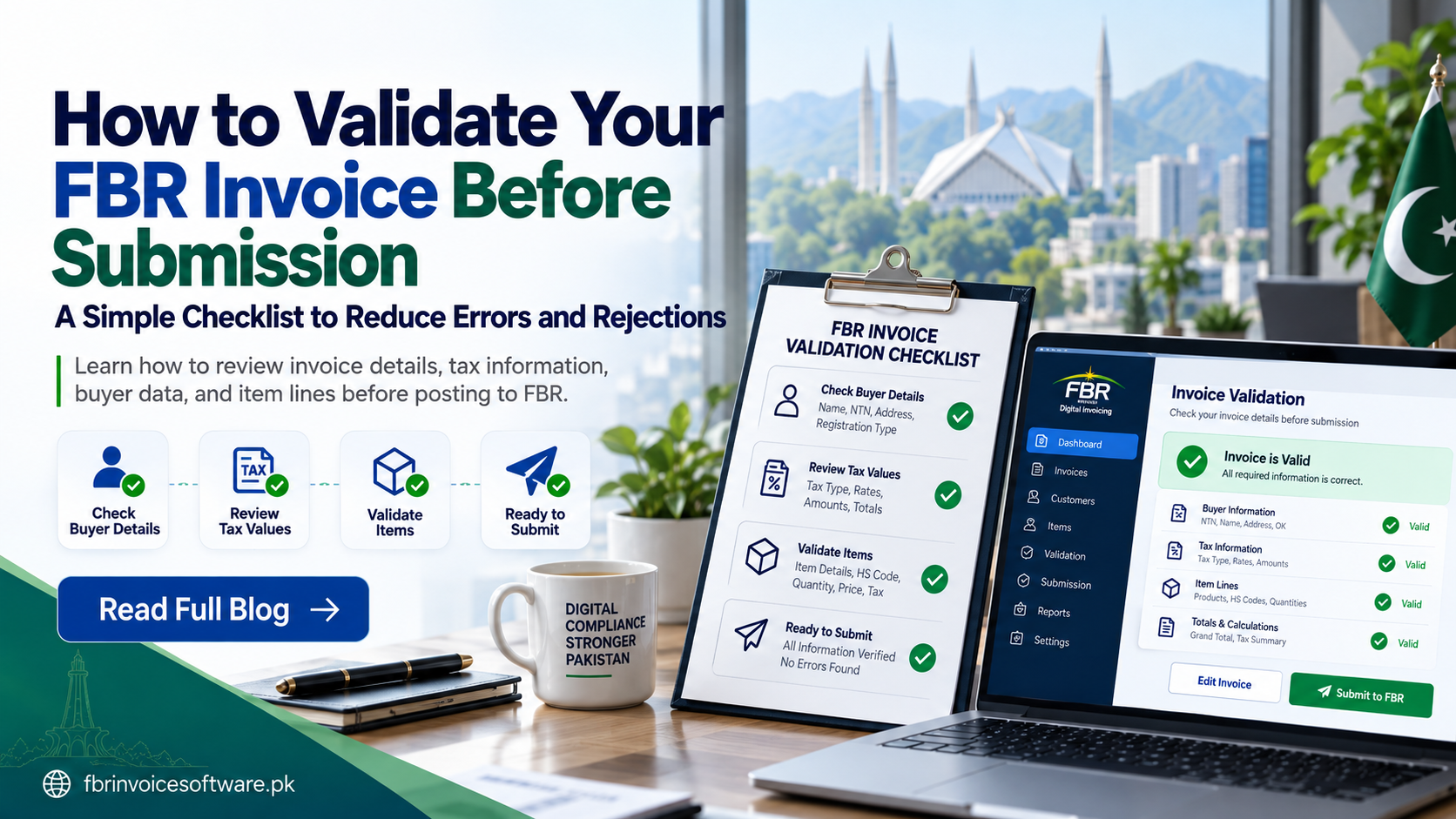
Pre-submission validation is one of the simplest ways to reduce avoidable invoice rejection. It should combine automatic field checks with a short business review, because technically valid data can still describe the wrong customer, item or transaction.
1. Verify seller and buyer information
Check identifiers, registration type, name and other required details against the approved master record. Avoid free-text variations when a reviewed customer record already exists.
2. Review the invoice header
- Confirm the internal invoice number is unique.
- Check the invoice date and relevant invoice type.
- Ensure the source sale, order or receipt is linked.
- Confirm any scenario-specific reference is present.
3. Validate every item line
Review the description, classification, unit, quantity, price, discount and relevant tax treatment for each line. Do not validate only the invoice total; one incorrect item can invalidate the full record.
4. Recalculate values and totals
Compare taxable values, tax amounts and grand totals with the source document. Use a consistent rounding approach and flag any difference for review rather than manually forcing the final total to match.
5. Run structural and business rules
Structural validation checks required fields, formats and allowed values. Business validation checks whether those values make sense for the actual transaction. Both layers should finish before submission becomes available.
A useful error message names the field, explains the problem and preserves the draft so the operator can correct it safely.
6. Preview and approve
Show the operator a readable final preview. High-value or unusual transactions may require a second reviewer. Record who approved the invoice and when.
Final validation checklist
- Buyer and seller details confirmed
- Invoice reference and date checked
- Every item line reviewed
- Tax and totals recalculated
- Required references present
- No unresolved validation message
- Submission authorization confirmed
Validation rules should reflect current requirements for the applicable business scenario. Keep them configurable and verify changes through suitable official guidance.