
FBR Digital Invoicing
Is Your Business Ready for FBR Digital Invoicing? A Practical Checklist
Assess your systems, invoice data, people and daily controls before beginning an FBR digital invoicing implementation.
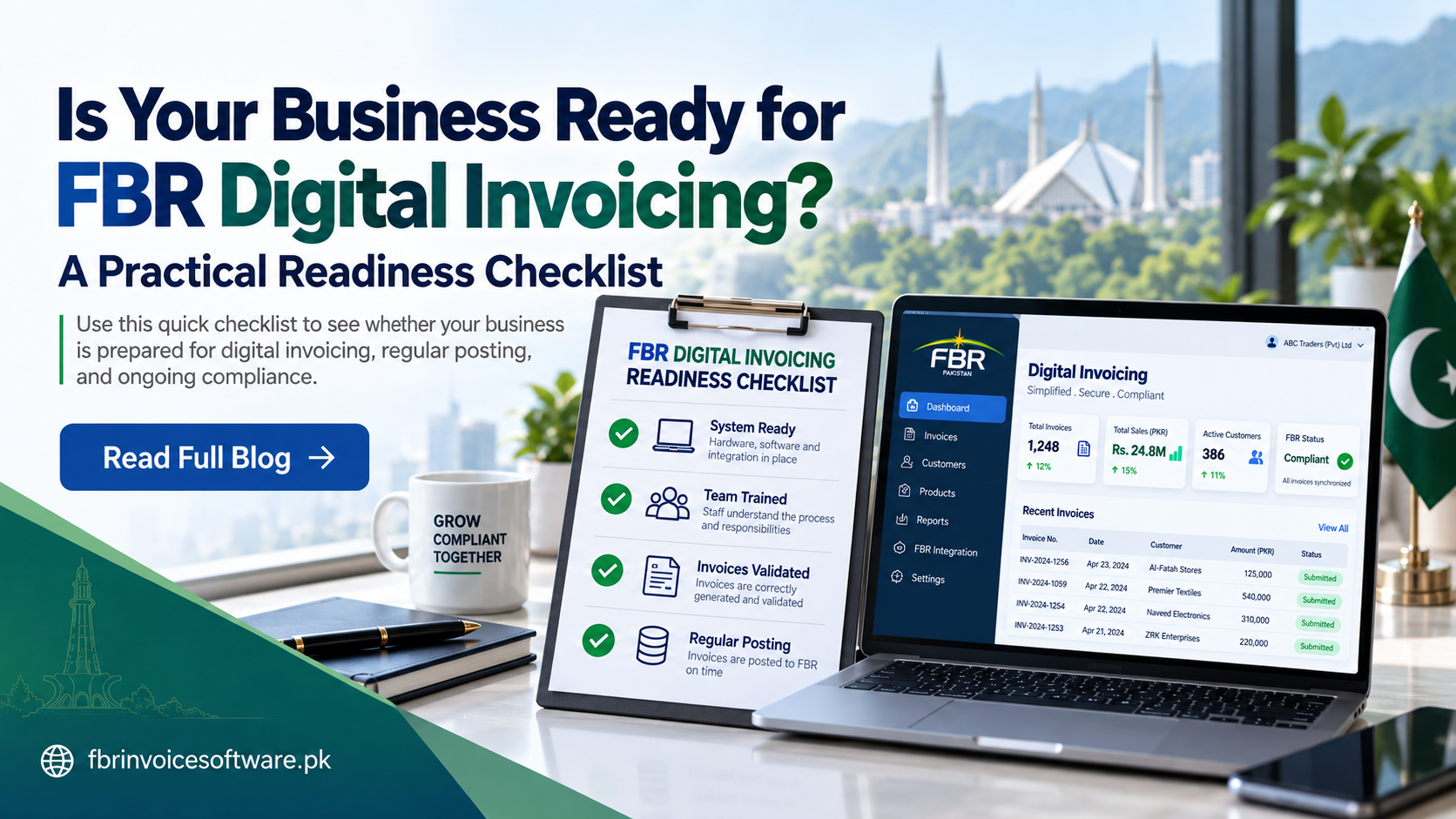
Digital invoicing readiness is not measured by an API connection alone. A business is ready when its source data is dependable, employees understand their roles, representative transactions have been tested and exceptions can be resolved without losing the audit trail.
1. Confirm the scope and ownership
Document which entities, locations, sales channels and invoice types are included. Name owners for finance, tax data, operations and technical support. One person should also own the daily exception queue.
2. Review customer and product master data
- Check seller and buyer identification details.
- Standardize product and service descriptions.
- Review classifications, units and applicable tax mappings.
- Remove duplicate and obsolete master records.
Clean master data prevents the same mistake from being repeated across hundreds of invoices.
3. Map the complete invoice journey
Identify where an invoice starts, who approves it, when validation occurs, how it is submitted and where the returned status is stored. Include cancellations, adjustments and other scenarios relevant to the business instead of testing only the easiest sale.
4. Check system and security readiness
Confirm that the selected system can produce structured invoice data, protect credentials, record user actions, retain responses and recover safely from temporary service interruptions. Limit production access to authorized users.
5. Test representative transactions
Prepare a test set covering common customers, products, tax treatments and high-risk edge cases. Compare values back to source documents and train the team to understand the difference between validation, submission and acceptance.
6. Prepare daily operating controls
- Review unsubmitted invoices.
- Resolve validation failures.
- Monitor submitted records awaiting a final result.
- Reconcile accepted and rejected invoices with internal sales records.
- Escalate unresolved exceptions with their full history.
Readiness scorecard
If your business can answer “yes” to clean data, trained users, tested scenarios, protected credentials, visible statuses and documented recovery procedures, it has a sound foundation. Any “no” is a useful implementation task—not a reason to rush into production.
Always confirm current obligations and technical requirements through appropriate official guidance before go-live.