
FBR Digital Invoicing
ERP and POS Integration with FBR Digital Invoicing
Learn how to connect ERP and POS sales data with a controlled invoice validation, submission, response and reconciliation workflow.
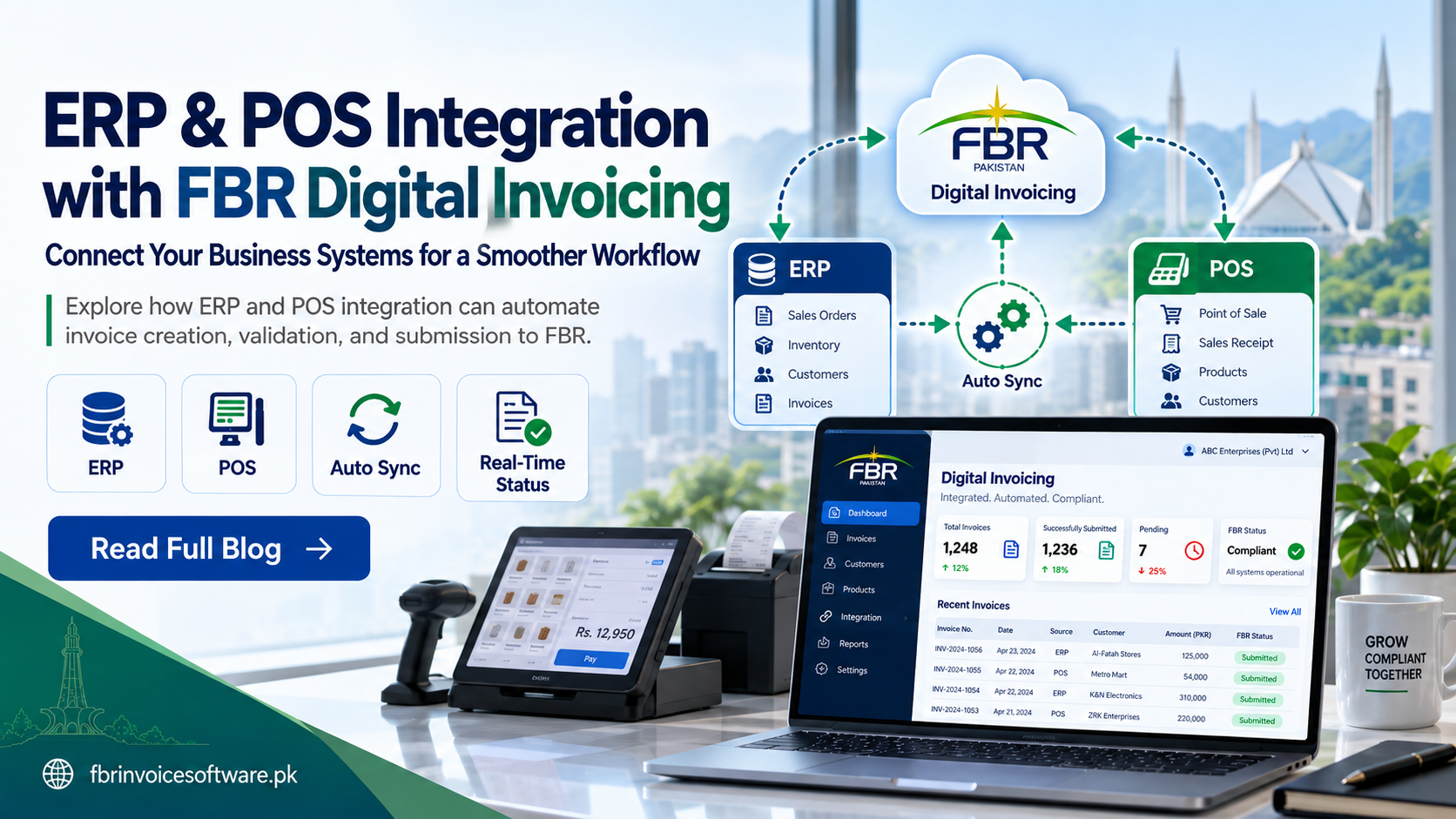
ERP and POS integration can remove repetitive invoice entry, but a reliable design does more than forward sales data. It maps source records into the required invoice structure, validates them, controls submission and brings every response back to the originating transaction.
Define the source of truth
Decide which system owns customers, products, prices, tax mappings and invoice numbers. Conflicting ownership creates inconsistent values and makes corrections difficult. Each field should have one authoritative source and a documented update process.
Map data before building the connection
- Seller, outlet and buyer identifiers
- Invoice number, date and transaction type
- Product or service classification and unit
- Quantity, value, discount and tax details
- Internal order, receipt or sales reference
Document transformations and default values. A default should never hide missing source data that requires business review.
Place validation between sales and submission
Validate required fields, formats, mappings and totals before a request enters the submission queue. Return understandable messages to the ERP or POS operator so corrections happen at the source where possible.
Use a controlled submission queue
A queue separates daily selling from temporary external availability. It should support unique request references, safe retries, duplicate protection, rate control and clear states such as ready, pending, accepted and rejected.
Bring responses back to the source system
Store the returned identifier, status and message against the original sale. POS and finance users should not need to search a separate technical log to learn whether an invoice was accepted.
Protect credentials and access
Keep credentials outside source code, restrict production access, log privileged actions and define how credentials are rotated. Test environments and production environments should be clearly separated.
Test more than the happy path
- Standard cash and credit transactions
- Multiple items and tax treatments
- Discounts, rounding and unusual quantities
- Invalid buyer or product data
- Timeouts, duplicate attempts and retry recovery
- Corrections and relevant reversal scenarios
A good integration is observable and recoverable. It prevents sales from being lost during outages and keeps finance, operations and technical teams aligned on one invoice status.