
FBR Digital Invoicing
A Complete Guide to FBR Digital Invoicing in Pakistan
Learn how Pakistani businesses can prepare invoice data, validate records, submit invoices and maintain reliable digital invoicing records.
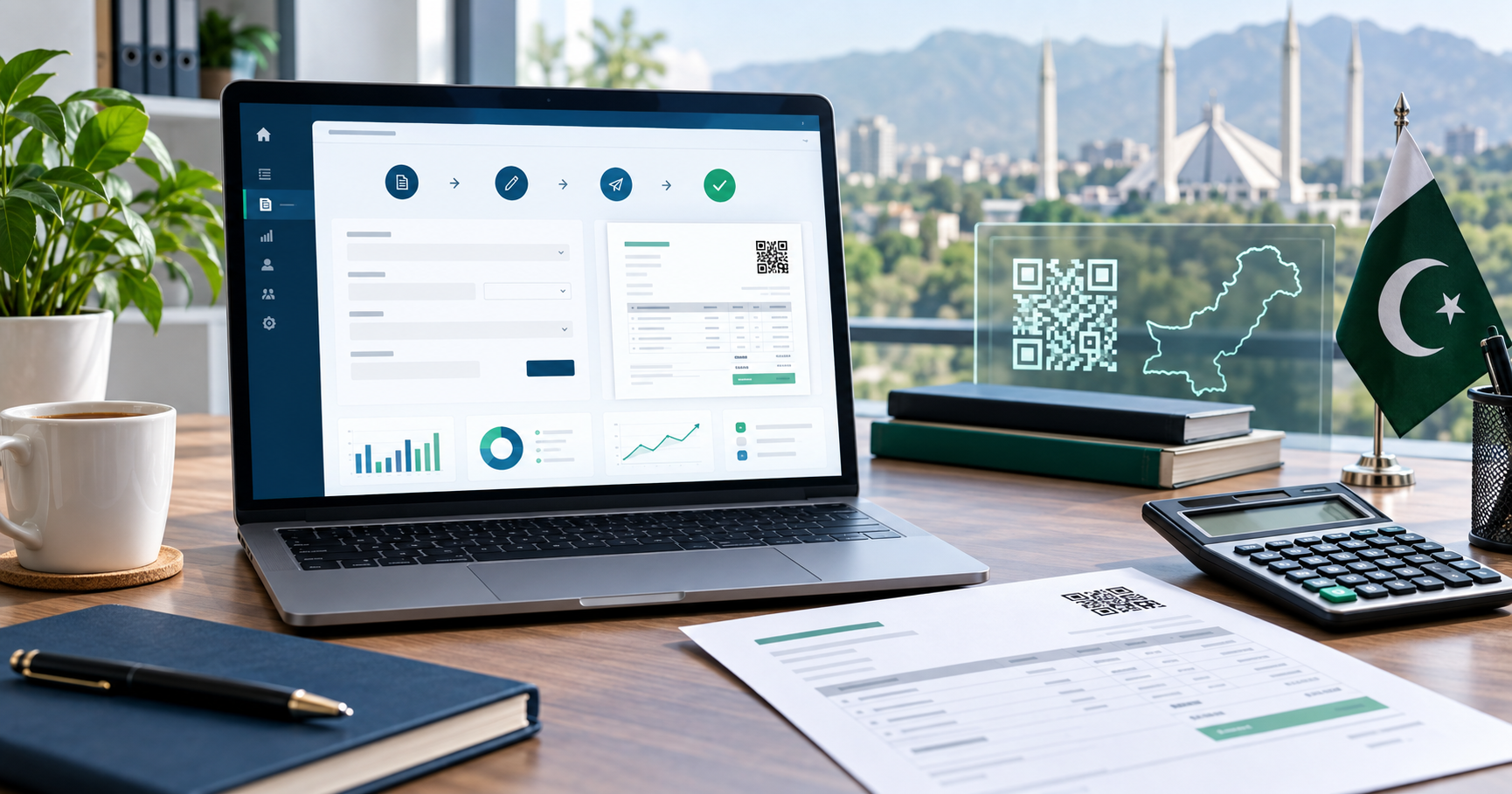
FBR digital invoicing is more than sending an invoice through an API. A dependable process begins with accurate business, buyer, product and tax information, then carries that data through validation, submission and response tracking.
What is FBR digital invoicing?
Digital invoicing connects a business invoice workflow with the relevant FBR system. Instead of treating compliance as a final manual step, businesses prepare structured invoice information that can be reviewed, validated and submitted through a controlled process.
Information to prepare before submission
Before an invoice enters the submission workflow, review the underlying source record. Important information commonly includes:
- Seller and buyer identification details
- Invoice date, type and internal reference
- Product or service descriptions and classifications
- Quantity, unit of measurement, values and tax information
- Any scenario-specific information required by the applicable workflow
Keep confirmed customer and product information reusable. This reduces repeated typing and helps different team members prepare records consistently.
Validate before you submit
Validation should be a separate, visible step. It helps the team identify missing fields, incompatible values and mapping issues before attempting registration. A useful validation message should tell the operator what needs attention instead of showing only a generic failure.
Technical delivery and invoice acceptance are different outcomes. Always preserve and review the response returned for each invoice.
Handle responses, retries and records carefully
If external services are temporarily unavailable, keep the prepared invoice in a clear pending state. Avoid blind repeated submissions. Record each attempt, protect credentials, and use controlled retry rules so the team can distinguish a delayed request from an invoice that needs correction.
Store the source reference, submitted payload context, returned identifiers and status history together. This creates an audit trail for finance, operations and technical support without relying on screenshots or informal notes.
Use software that supports the whole workflow
A practical invoicing system should help with reusable master data, invoice preparation, validation, controlled submission, response visibility, QR-code output where applicable, and reconciliation. Businesses using ERP, POS or accounting software should also plan how confirmed data moves between systems.
Recommended implementation checklist
- Document the existing sales and invoice process.
- Assign owners for customer, product and tax data.
- Clean and map reusable master records.
- Test representative invoices and correction scenarios.
- Train users to understand validation and submission statuses.
- Monitor results and keep a documented exception process.
Final takeaway
Successful digital invoicing depends on clean source data, clear responsibilities and reliable response handling. Build the process in manageable stages, verify current requirements through appropriate official guidance, and choose software that keeps every invoice traceable from preparation to final status.