
FBR Digital Invoicing
Common Mistakes in FBR Digital Invoicing and How to Avoid Them
Understand the invoice data, timing and validation mistakes businesses commonly make—and the practical controls that prevent delays and rejections.
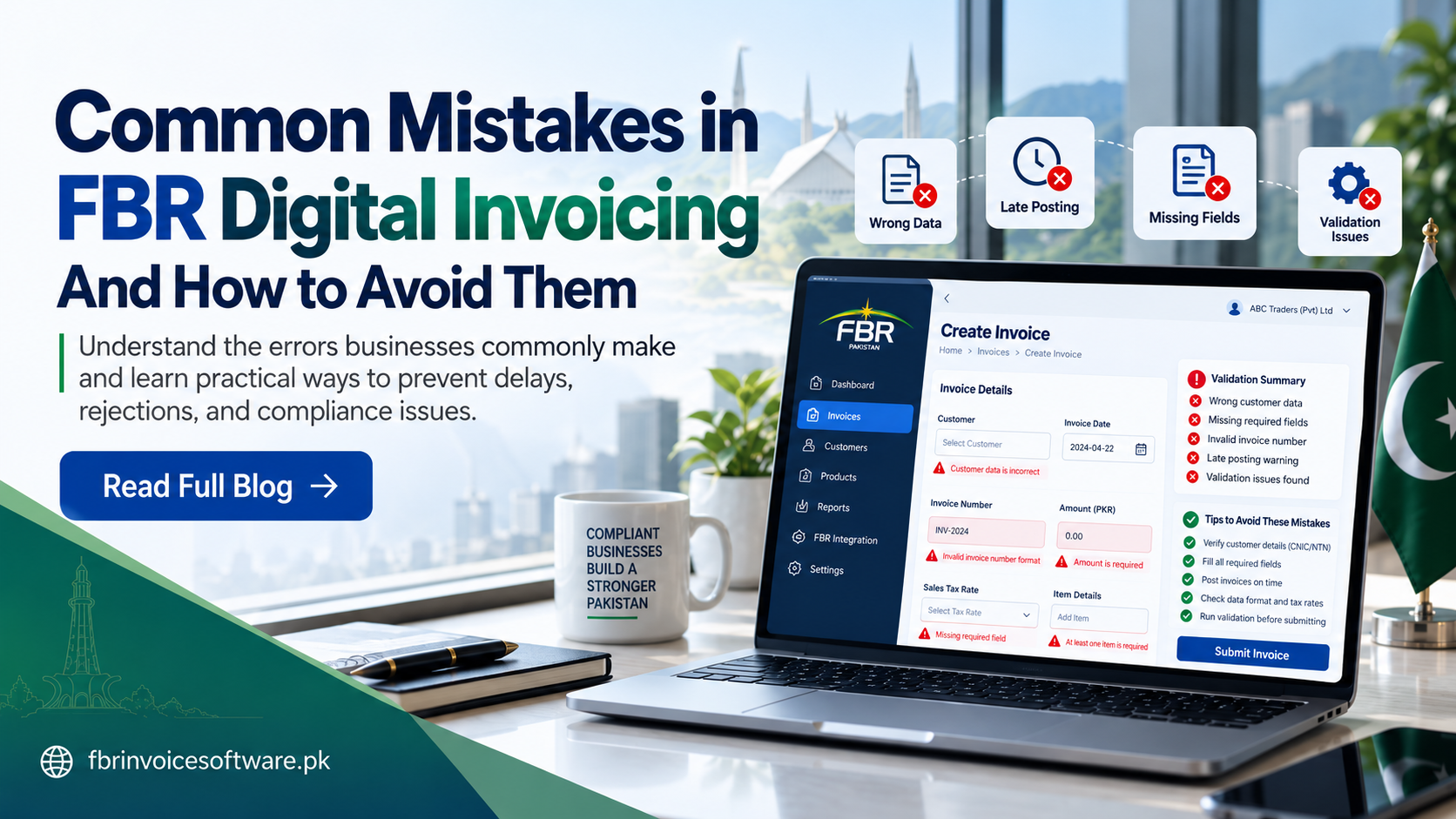
Digital invoicing problems usually begin before an invoice is submitted. An incorrect buyer identifier, an incomplete item line or an unsuitable tax mapping can turn a routine sale into a rejected record. The best solution is a repeatable process that catches errors at the source.
1. Entering incomplete or inconsistent master data
Customer and product details should not be retyped differently on every invoice. Maintain reviewed master records for seller and buyer identification, addresses, product descriptions, classifications, units and the tax information used by your workflow.
- Assign an owner for customer and product data.
- Use consistent formats for identifiers and dates.
- Review changed records before they are used in a live invoice.
2. Selecting values without checking the business scenario
Tax rate, sale type, unit of measurement and product classification must reflect the actual transaction and the requirements applicable to it. Copying values from an unrelated invoice can create a record that appears complete but fails validation.
3. Treating validation as optional
Run validation before submission and show useful messages to the operator. A good workflow identifies the field that needs attention, preserves the draft and allows correction without rebuilding the complete invoice.
A successful connection does not necessarily mean that an invoice was accepted. Save and review the business response returned for every submission.
4. Posting late or without a clear operating routine
Create a daily responsibility schedule for preparing, reviewing and monitoring invoices. When ownership is unclear, completed sales can remain unposted and exceptions can sit unresolved.
5. Blindly resubmitting failed invoices
First determine whether the issue is invalid data, a duplicate request, expired access or a temporary service interruption. Keep each attempt linked to the original internal invoice and use controlled retry rules to avoid duplicate records.
6. Losing the submission history
Keep the source reference, review history, submission time, returned identifier, response and current status together. This audit trail helps finance and support teams investigate an exception without relying on screenshots.
A simple prevention checklist
- Confirm buyer and seller identifiers.
- Review every required invoice and item field.
- Check classifications, units, values and applicable tax treatment.
- Validate before submission.
- Read and store the returned response.
- Reconcile pending, accepted and rejected invoices each day.
Requirements may change, so confirm current obligations through appropriate official guidance. Reliable software should support this discipline by making errors visible, keeping records traceable and preventing uncontrolled duplicate submissions.